|
Describe what you see
Write a sentence about the subject, setting, light, or feeling. The details are yours to choose.
Describe the scene you have in mind. Choose illustration or photoreal, set the frame, and keep each finished image in your own collection.

Still life, imagined places, and quiet architecture. Each begins as a prompt in the studio.
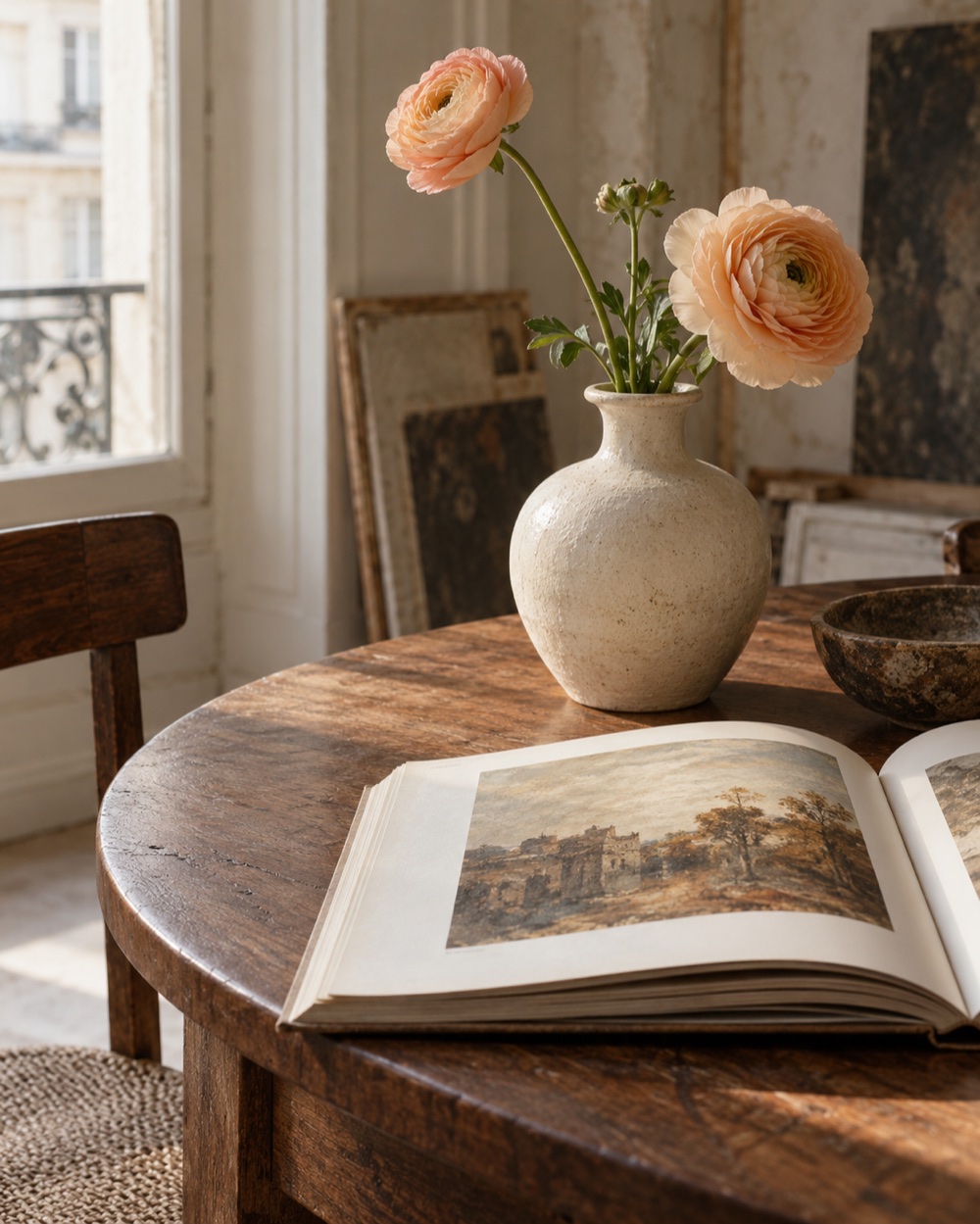
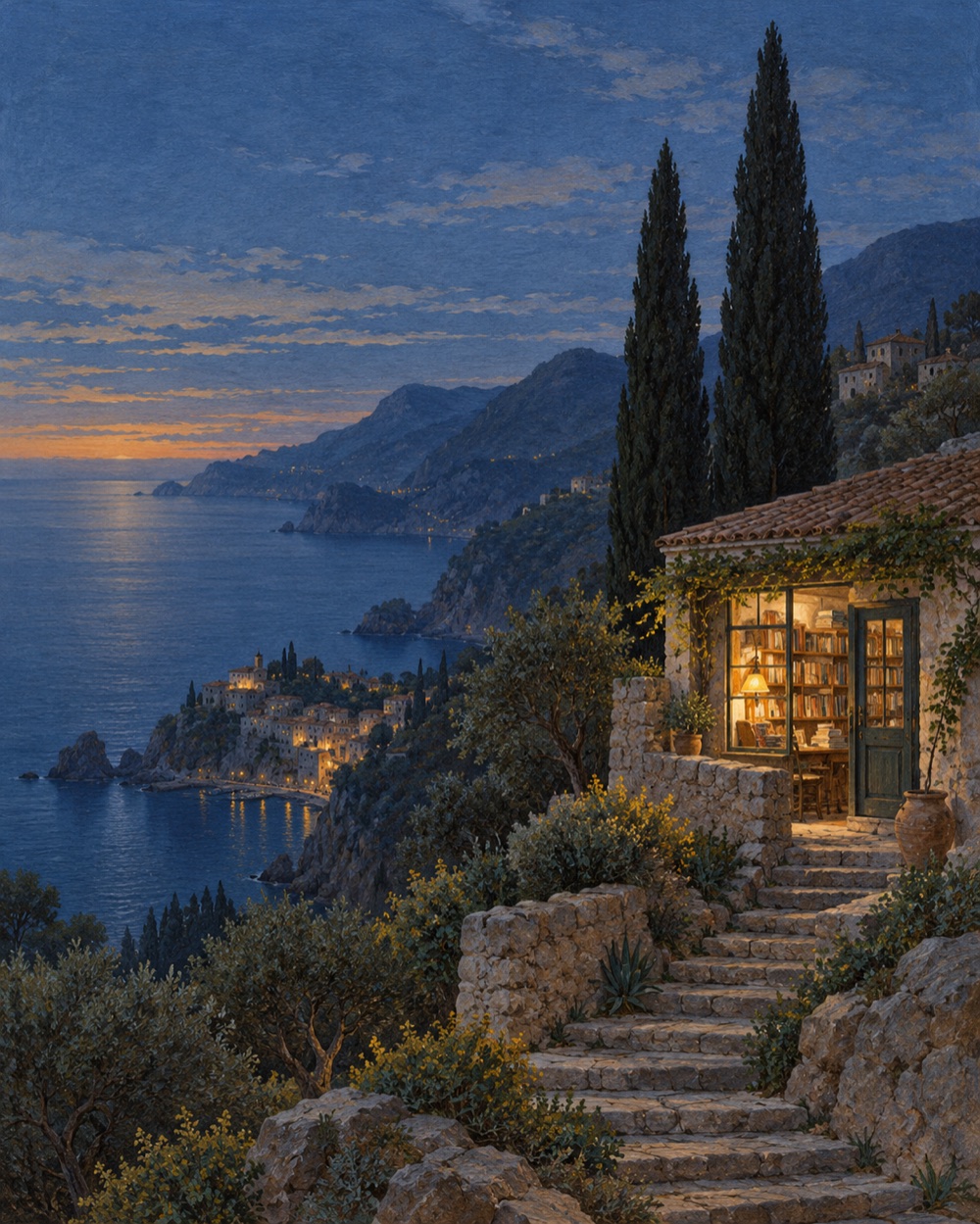
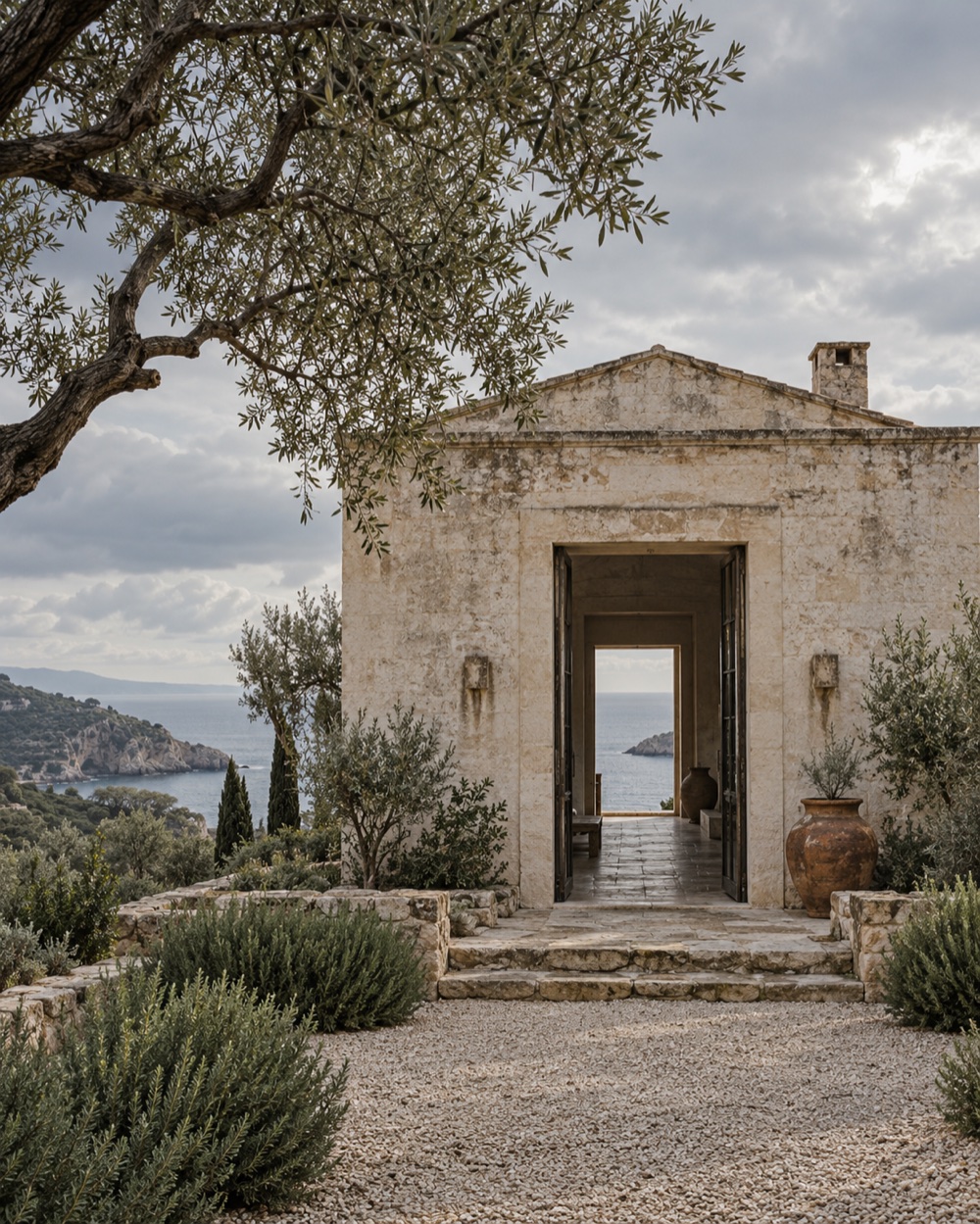
Original visual studies created for DreamCanvas.
Write a scene, choose the look, adjust the canvas, and save a PNG. Your prompts and finished images stay together in your collection.
Write a sentence about the subject, setting, light, or feeling. The details are yours to choose.
Go painterly and imaginative, or choose RealVis for a more photographic finish.
Your image lands in your collection, ready to preview and download.
Use Pony for illustration or RealVis for photoreal images. Both models share the same prompt controls and saved collection.
For drawn scenes, imaginative settings, and images with a clear visual point of view.
Explore the illustration profile ↗For scenes where natural light, materials, and photographic detail matter.
Explore the photoreal profile ↗Start with a sentence. Then shape the frame, refine the finish, and choose what the model should leave out.
Choose a portrait, square, or landscape canvas, then add a 2× or 4× upscale when you want a larger file.
The studio sends your settings to its remote image renderer. Finished PNGs are added to your collection.
Renders run in a single queue. A typical image takes around 60–100 seconds; the studio shows queue and render status while it works.
Submit a transaction hash after sending. The server checks the token, network, destination, amount, and confirmation before crediting your account.
New accounts receive 100 credits. Another 20 are added every 24 hours. Each image uses 30 credits with Pony or 50 with RealVis.
No card required to join. Top-ups are optional.See the full credit and payment details ↗Shape a thought into an image. Keep what you make close.
Describe it, choose a medium, then set the frame.
Every good idea deserves a place to land.
Simple balances. A little more room for ideas.
20 credits, every 24 hours.
A small daily invitation to keep making.
Top up with 10 USDT on BNB Smart Chain or TRON to receive 900 credits. Every transfer is checked on-chain before credits are added. Network fees are paid by your wallet.
Choose the same network you’ll use in your wallet. Sending on a different network may result in lost funds.
Send exactly 10 USDT to the address shown in the next step. Network fees are separate.
Send 10 USDT using BNB Smart Chain. Credits arrive after the network confirms your transfer.
0x17d7242a422621110de2dfa198dd4cbdddf7147e900 credits have been added to your studio.